Microsoft Activation Scripts (MAS)
Microsoft 激活脚本 (MAS)
An open-source Windows and Office activator featuring HWID, Ohook, TSforge, and Online KMS activation methods, along with advanced troubleshooting.
一款开源的 Windows 和 Office 激活器,支持 HWID、Ohook、TSforge 和 Online KMS 激活方法,并具备高级故障排除功能。
Activation Methods 激活方法
This method is the most convenient and works on Windows 8.1, 10, and 11.
这种方法最方便,适用于 Windows 8.1、10 和 11。
- Click the Start Menu, type
PowerShell, and open it.
点击开始菜单 ,输入 PowerShell,然后打开它。
Copy and paste the code below and press Enter.
复制粘贴下面的代码,然后按回车。
irm https://get.activated.win | iex
- In the menu that appears, type the number corresponding to one of the Green options.
在出现的菜单中输入对应绿色选项之一的数字。
Having trouble? (Blocked by ISP or Old Windows)
遇到麻烦了吗?(被 ISP 或旧 Windows 屏蔽)
- Some ISPs/DNS providers block access to our domains. You can bypass this by enabling DNS-over-HTTPS (DoH) in your browser.
一些 ISP/DNS 提供商会屏蔽我们域名的访问。你可以通过在浏览器中启用 DNS-over-HTTPS(DoH) 来绕过这个问题。
- Having trouble? Connect with us here.
遇到麻烦了吗? 点击这里与我们联系。
- To activate additional products such as Office for macOS, Visual Studio, RDS CALs, and Windows XP, see here.
要激活更多产品,如 macOS、Visual Studio、RDS CALs 和 Windows XP,请参见此处 。
- To run the scripts in unattended mode, see here.
要在无人值守模式下运行脚本,请见这里 。
- The
irm command in PowerShell downloads a script from a specified URL, and the iex command executes it.
PowerShell 中的 irm 命令从指定的 URL 下载脚本,IEX 命令执行该脚本。
- Always double-check the URL before executing the command and verify the source is trustworthy when manually downloading files.
在执行命令前一定要仔细核对 URL,并在手动下载文件时确认来源是否可信。
- Be cautious of third parties spreading malware disguised as MAS by altering the URL in the PowerShell command.
要警惕第三方通过修改 PowerShell 命令中的 URL 来伪装成 MAS 传播恶意软件。
MAS Latest Release MAS 最新发布
Latest Release: v3.10 (28-Jan-2026)
最新发布:v3.10(2026 年 1 月 28 日)
GitHub / Azure DevOps / Self-hosted Git
Features 特色
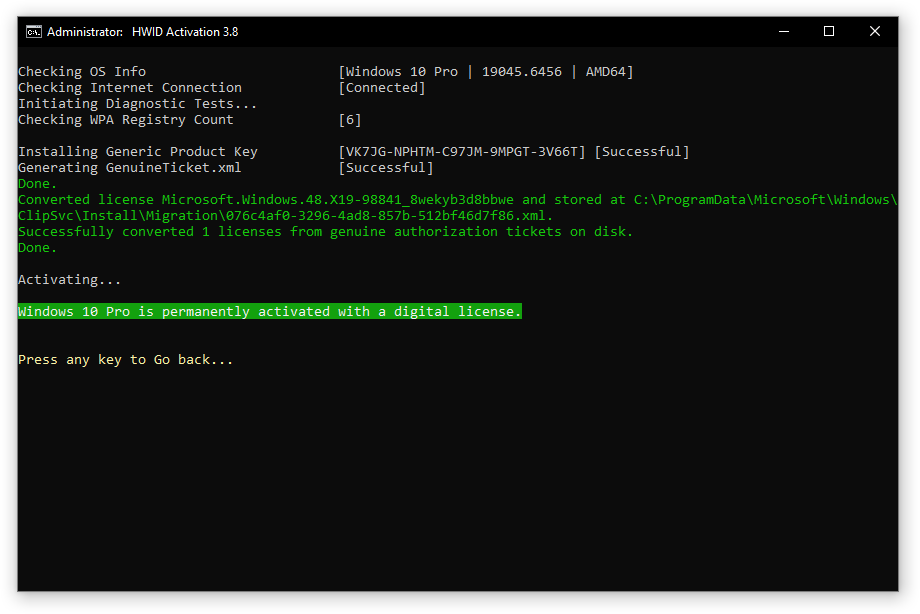
- HWID (Digital License): Permanently activate Windows.
数字许可(HWID): 永久激活 Windows。
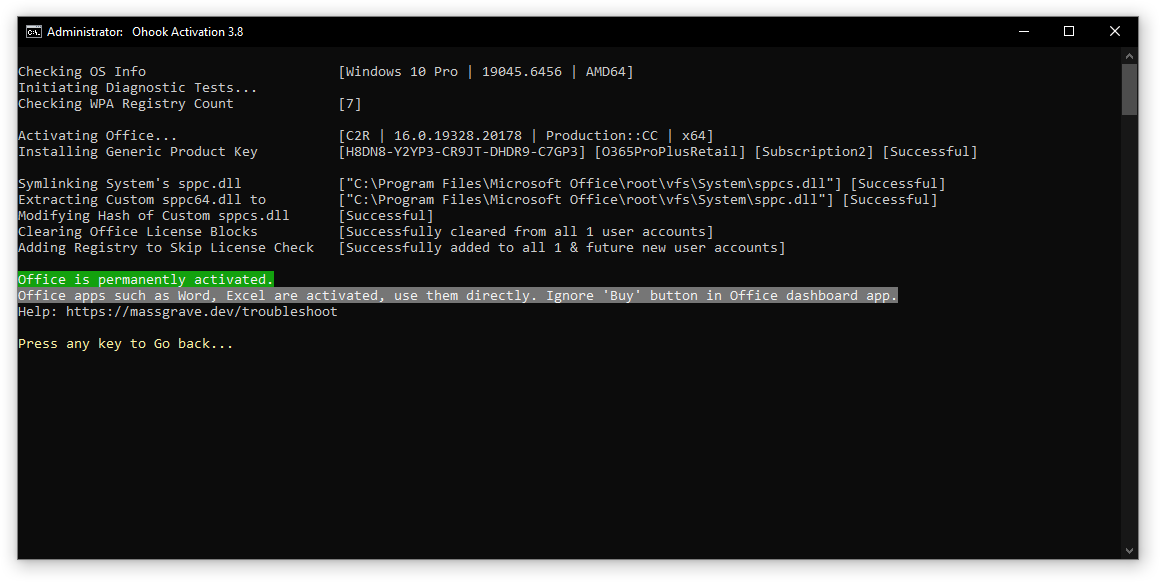
- Ohook: Permanently activate Office.
奥胡克: 永久激活办公室。
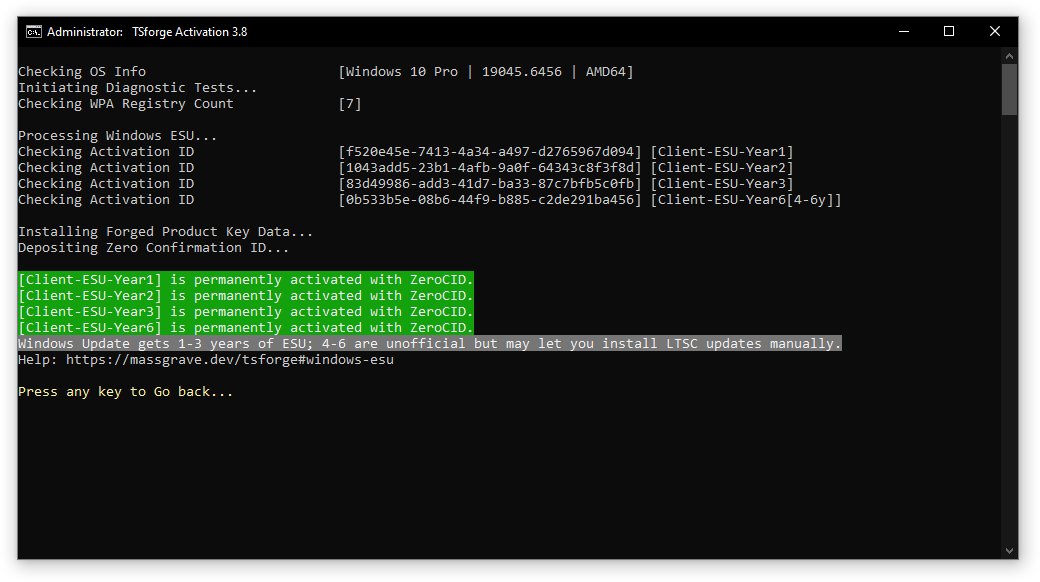
- TSforge: Permanently activate Windows, ESU, and Office.
TSforge: 永久激活 Windows、ESU 和 Office。
- Online KMS: Activate Windows/Office for 180 days (Lifetime with renewal task).
在线知识管理系统: 启用 Windows/Office 为 180 天(终身,需按续订任务)。
- Advanced activation troubleshooting.
高级激活故障排除。
- $OEM$ folders for pre-activation.
$OEM$文件夹用于预激活。
- Change Windows edition. 更换 Windows 版本。
- Change Office edition. 更换办公室版。
- Check Windows/Office activation status.
检查 Windows/Office 激活状态。
- Available in All-In-One and separate file versions.
提供一体化版本和独立文件版本。
- Fully open source and based on batch scripts.
完全开源,基于批处理脚本。
- Fewer antivirus detections.
杀毒检测减少。
Activations Summary 激活摘要
| Activation Type 激活类型 |
Supported Product 支持的产品 |
Activation Period 激活期 |
Is Internet Needed? 需要互联网吗? |
| HWID |
Windows 10-11 |
Permanent 永久性 |
Yes 是的 |
| Ohook 奥胡克 |
Office 办公室 |
Permanent 永久性 |
No 不 |
| TSforge |
Windows / ESU / Office |
Permanent 永久性 |
Yes, needed on build 26100 and later
是的,26100 版本及以后版本需要 |
| Online KMS 在线 KMS |
Windows / Office |
180 Days (Lifetime with renewal task)
180天(终身,含续期任务) |
Yes 是的 |
For more details, see the respective pages in the documentation and the comparison chart.
更多详情请参见文档中的相关页面和对比图表 。
To activate unsupported products such as Office on Mac, see here.
要激活 Mac 上的 Office 等不受支持的产品,请见此处 。
Screenshots 截图